
Install Python on Windows 50x Faster with Astral’s uv - Tutorial
/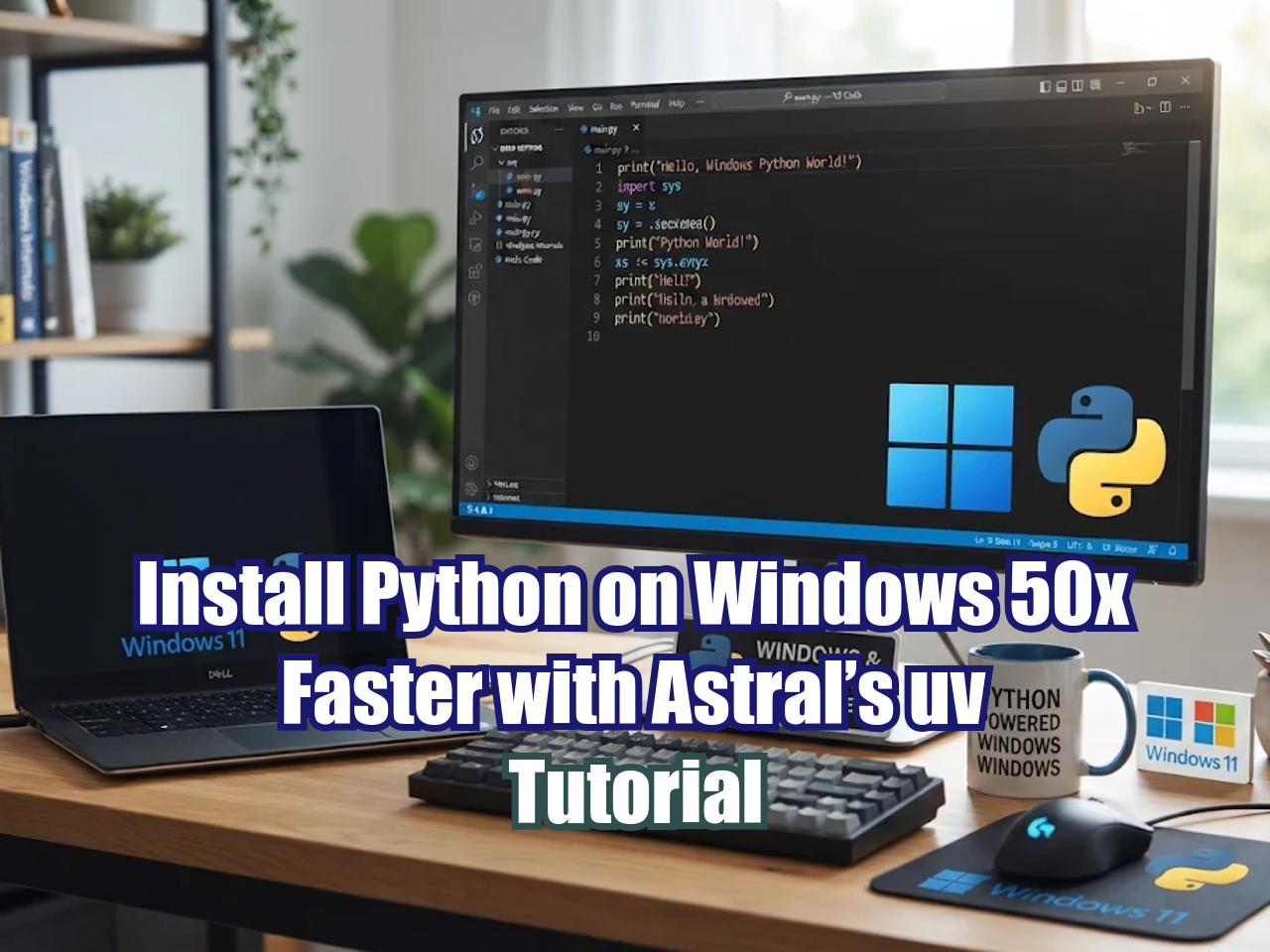
In this step-by-step tutorial, you will learn the fastest and most efficient way to install Python on Windows using Astral uv, a modern Python package and project manager written in Rust. Starting from a standard Windows PowerShell session (with no administrator privileges required), we walk through installing uv, configuring your system PATH, verifying the installation, and creating an isolated Python 3.11 virtual environment. You will also see how dramatically faster uv installs heavy data science and geospatial libraries—such as GeoPandas, Matplotlib, Mapclassify, Contextily, and JupyterLab—cutting setup time in half compared to traditional tools like Anaconda.
Commands
powershell -ExecutionPolicy ByPass -c "irm https://astral.sh/uv/install.ps1 | iex"Set-ExecutionPolicy -ExecutionPolicy RemoteSigned -Scope CurrentUser$env:Path = "C:\Users\saulm\.local\bin;" + $env:Pathuv --version uv venv hatarigis --python 3.11.\hatarigis\Scripts\activateuv pip install geopandas matplotlib mapclassify contextily jupyterlab