
Particle Tracking Simulation in MODFLOW 6 with ModelMuse: A PRT Package Tutorial
/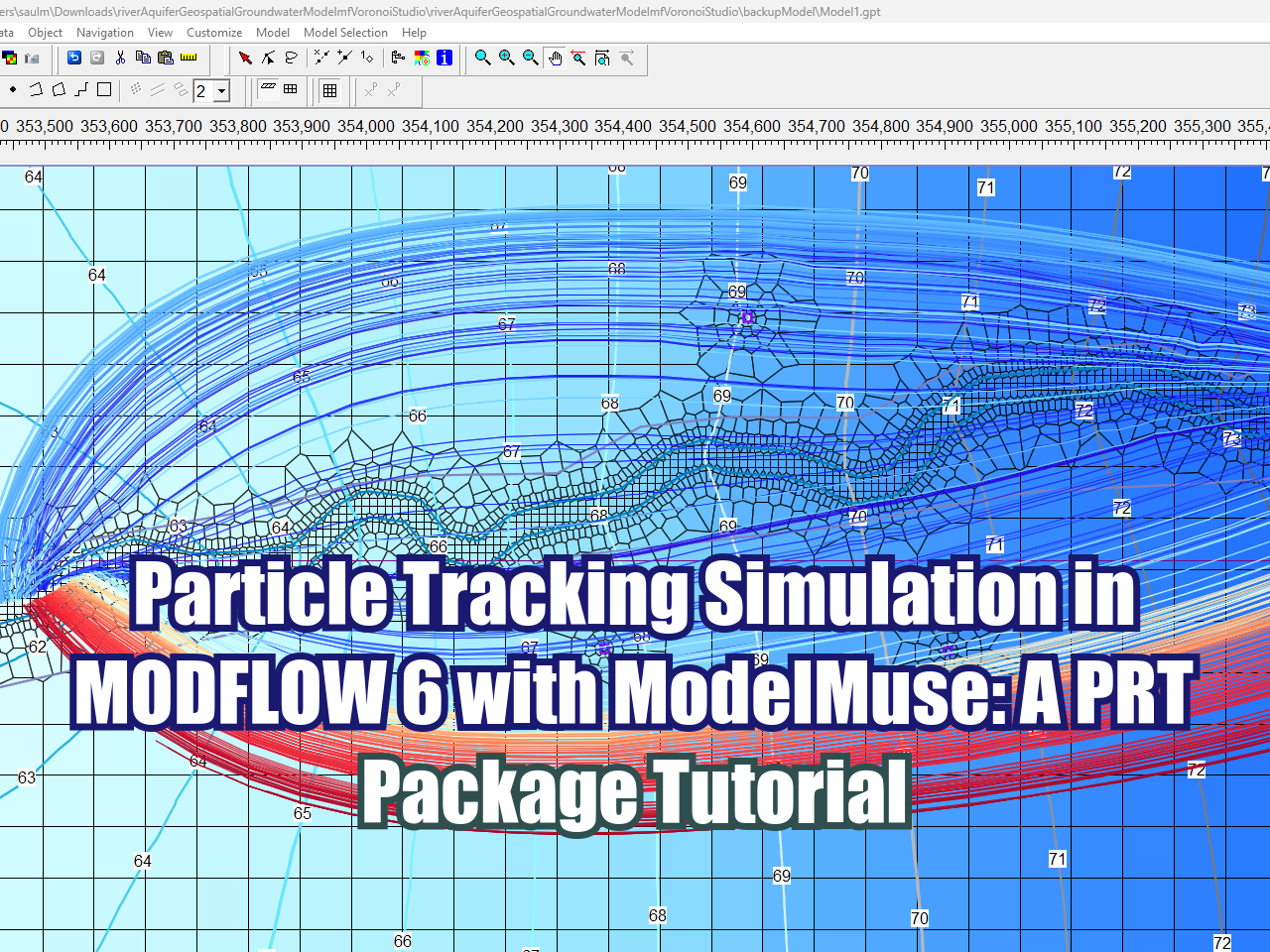
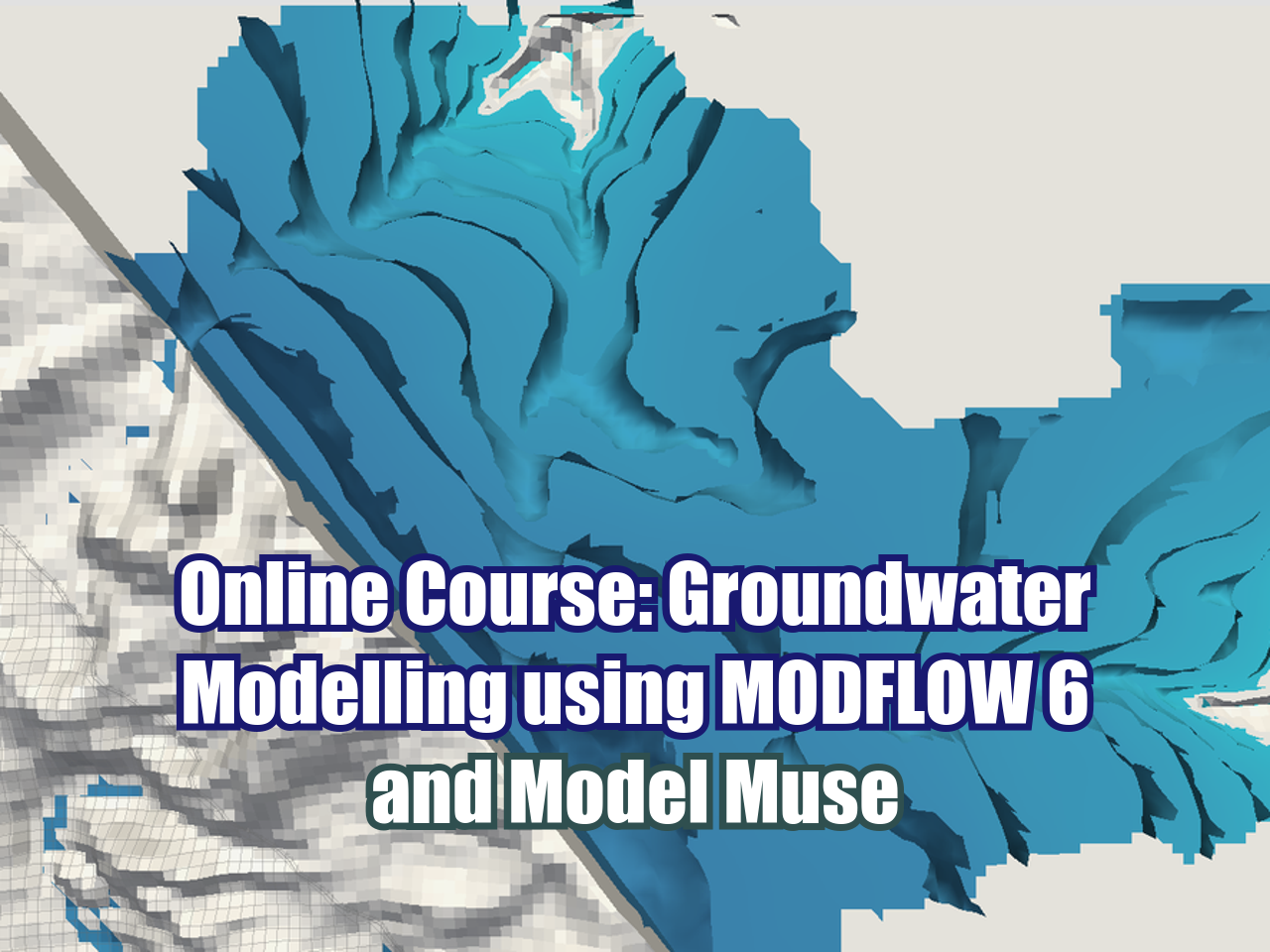
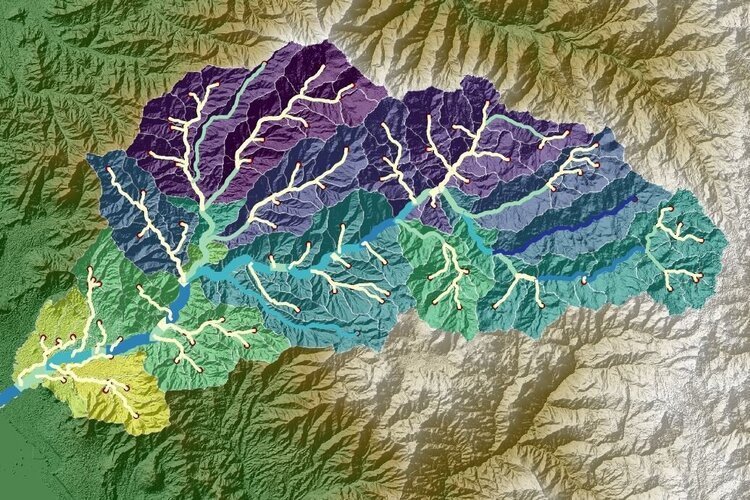
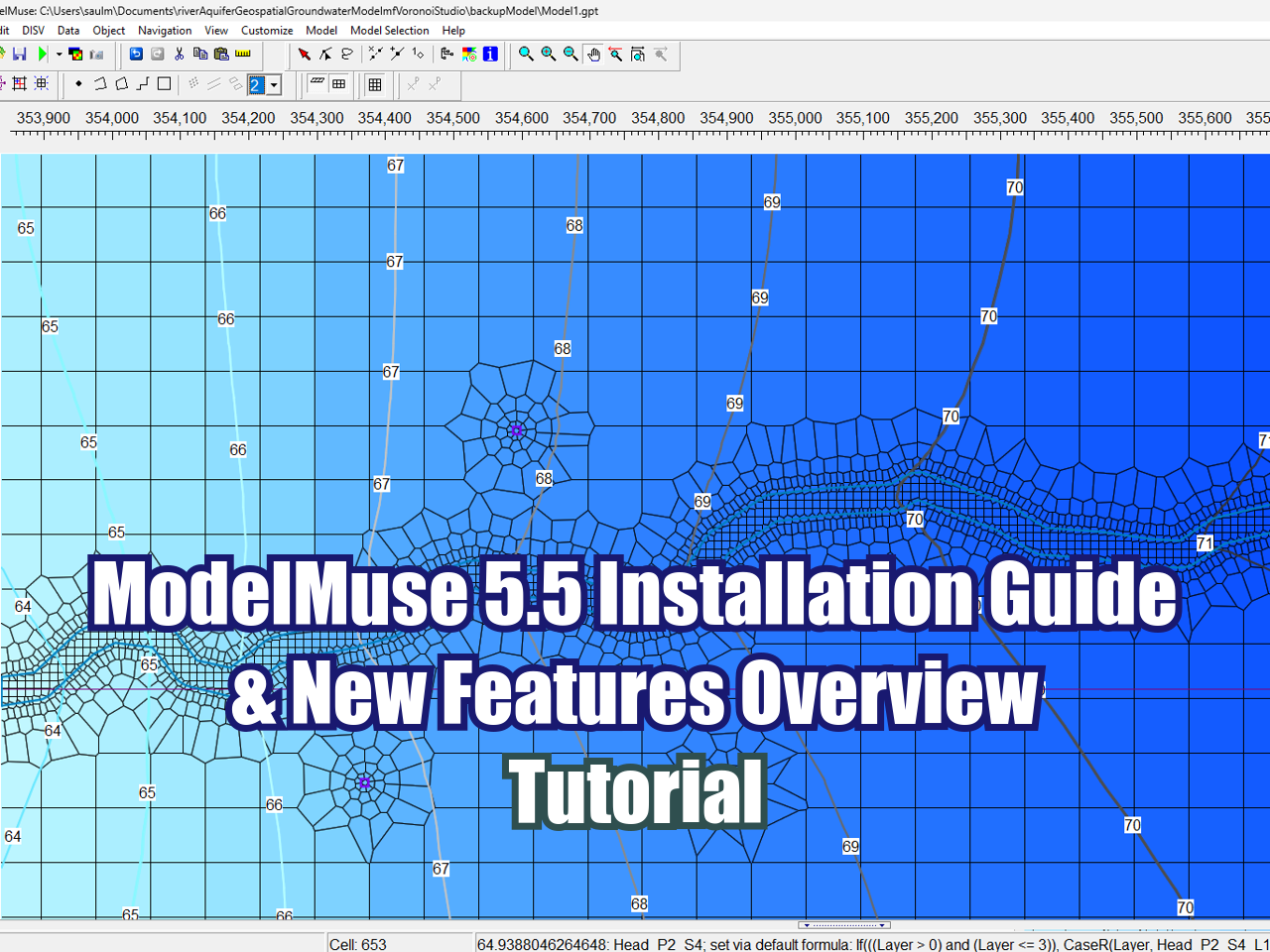
This tutorial demonstrates how to set up and run a particle tracking simulation using the new Particle Tracking (PRT) package in MODFLOW 6 within ModelMuse 5.5. Using an existing river-aquifer groundwater flow model built on a Voronoi grid, the walkthrough covers configuring the PRT and Particle Release Point (PRP) packages, adjusting stress period durations, updating the MODFLOW 6 executable, and defining release objects along the river. Finally, viewers will learn how to visualize and interpret the resulting particle track lines to analyze groundwater flow paths and discharge zones across different aquifer layers.
Required tutorials
Installation of Model Muse 5.5
River - Aquifer Interaction (input data)