Online tools for groundwater modeling preprocessing with Model Muse - Tutorial

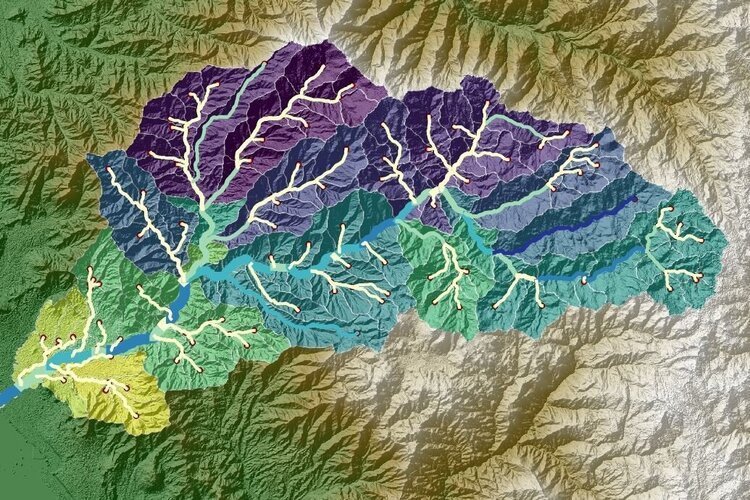
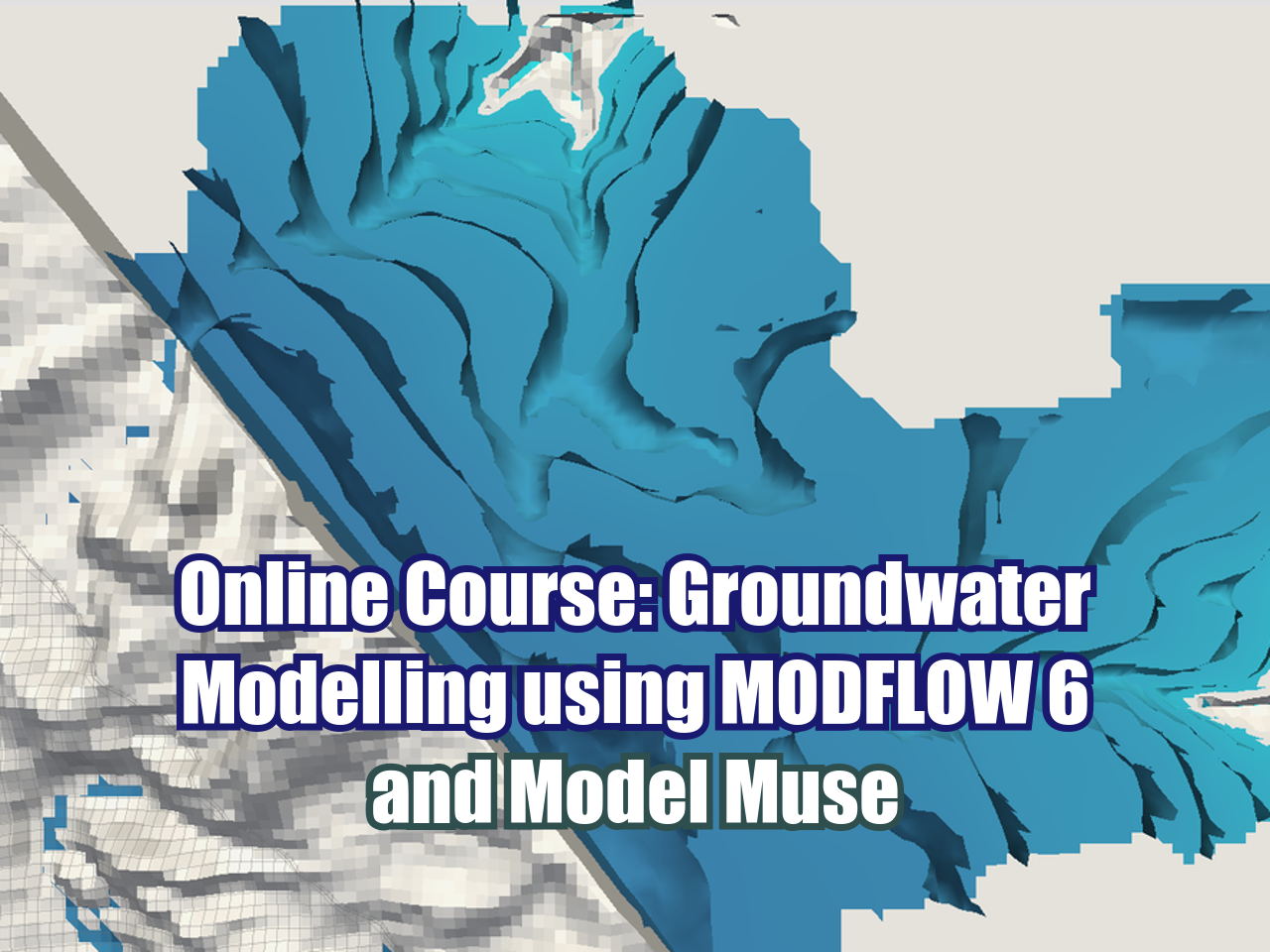
If you want to speed up some steps in groundwater modeling you might be interested in the tools presented on this tutorial. We have developed some online tools that replace intense and time consuming tasks on desktop software and web servers and provide vector and raster data on the formats required by Model Muse. The tutorial covers the steps of DEM generation as Surfer Grid File (*.grd) with the definition of watersheds and river network based on two online services provided by Hatarilabs.

Read More
How to split Modflow 6 groundwater model with Flopy and MF6Splitter - Tutorial

Modflow 6 has changed in many ways the traditional concepts of groundwater modeling; now a group of models can run under a "simulation" and these models can interchange flow and transport. Under this structure Flopy has implemented a tool to split a groundwater model into several models where their results can be reconstructed and compared to the original entire models. Capabilities and features like this make Flopy and Modflow 6 a great tool for developing advanced groundwater models that simulate complicated tasks or requirements to the groundwater flow regime.

Read More

How to reproject, clip and interactively plot HDFs with Python and GDAL - Tutorial

Large amount of spatial data is indexed and delivered through files in Hierarchical Data Format (HDF). These files are compatible with desktop GIS software as QGIS but they are not so easy to open/read/process with standard Python libraries as Rasterio, or with dedicated libraries. On our research we found the spatial functionality on the powerful GDAL binaries and library for Python. 

Read More

Online crop counting from drone orthophotos with Hatari Utils - Tutorial

Orthophoto from drones provide us aerial imagery with spatial resolution in the scale of centimeters. With this high definition and cheap orthophotos we can interpret, analyze and quantify objects on a horizontal distribution by means of machine learning libraries for image recognition and cluster analysis.

Read More

How to download Actual Evapotranspiration ET raster data (MYD16A2) with Python and Earthaccess - Tutorial

Evaluation of environmental processes requires a spatial temporal approach with the right tools to represent, process and analyze raster data. The process of satellite imagery selection on a web server is highly manual with limited options to manage an intensive amount of datasets. There are packages available to download certain Nasa imagery with Python, but the Earthaccess library allows users to download different dataset with options to login, select by time and location, and define folders to download data.

We have done a complete process to download actual evapotranspiration (MYD16A2) imagery with Python and Earthaccess for a given period and location. The files are stored in a folder and represented with QGIS.

Read More

How to create a Piper plot online with Aquifer App - Tutorial

We present our own webapp for the representation of the Piper Diagram, Stiff Diagram and Scholler Diagram. The webapp was developed in Python Django and it is entirely free for everyone. The main objective behind this webapp was to develop a user friendly and minimum requirement tool to create these water quality / hidrogeochemical diagrams. The video tutorial shows the complete procedure to update the working file and then generate the diagrams.

Read More

Online determination of Time of Concentration from a Raster DEM with Hatari Utils - Tutorial

Hatari Utils is our app for different hydrological analysis. The app provides the geometry of the basin, river network and main river as ESRI shapefiles and based on the output from the delineation we can determine the Time of Concentration under several formulas. The app also gives the mean and median of all time results.

Read More

Modeling of mixing water / effluent with OpenFoam and HatariUtils - Tutorial

Modeling flow on open channels and simulating water mixing to evaluate the final concentrations and mixing area was a hard task with conventional open source software. Based on our research and app development we came up with a process to model flow of water and effluent mixing and then calculate the mass flux with the initial concentration of certain chemical components to have a fully 3d simulation of the concentration development with time and distance from source.

Read More

State of the art of open digital elevation imagery and online watershed delineation - Tutorial

The processes of working with digital elevation models (DEMs) and watershed delineation are in constant change over time. Even though the elevation datasets date from 10 years ago; the web servers and tools for data processing have changed in recent years. With online tools such as Hatari Utils, the watershed delineation can be performed in a few steps with practical outputs as vector files and watershed statistics.

Read More

Online main channel determination from a river network with Hatari Utils - Tutorial

If you want to determine the longest channel of a river network automatically this feature Hatari Utils might be of your interest. Hatari Utils is a toolbox for different analysis in water resources and beyond. On the “watershed delimitation” tool you can define the catchment, the river network and now you can define the main channel (longest succession of segments that connect a source to the outlet of the basin) automatically on the catchment delineation.

Read More

How to measure strike and dip from rasters with QGIS and ThreePointMethod plugin - Tutorial

If you have a geological contact as a geospatial and you want to calculate/measure the strike and dip at a certain point, this tutorial might help you. The ThreePointMethod is a QGIS plugin that calculates a plane strike and dip direction using the three-point method. It works with a point shapefile and a digital elevation model.

Read More

Online Mapping Urban Temperature with Istsos and Python - Tutorial

Geospatial mapping of environmental variables is key to understand habitats and in this case urban habitats. We have done research in temperature mapping stored in the cloud with Raspberrys and a Istsos server, this time we have coupled a gps sensor to make urban temperature map from the data retrieved from the server. This tutorial shows the procedure to retrieve the data, convert it to a geopandas datagrame, export as ESRI shapefile and undertand the temperature distribution relation with the land cover.

Read More

How to install the geological Python library Gempy in Windows with WSL - Tutorial

Gempy is an open-source library for modeling geology written in Python. The library is capable of creating complex 3D geological models including structures, fault networks, and unconformities and it can be coupled with uncertainty analysis.

This tutorial is developed under a Ubuntu 20.04.2 image installed from the Windows Store and covers all the steps to setup the user, install core packages, install Python packages and set up local paths to have a complete Gempy enviroment running under Jupyter lab.

Read More

Land Cover Change Analysis with Python and Rasterio - Tutorial

This tutorial covers the complete procedure to create a land cover change raster from a comparison of generated vegetation index (NDVI) rasters by the use of Python and the Numpy and Rasterio libraries. Results of the NDVI for given years and NDVI change are plotted on Jupyter Lab as color grid and contour grid.

Read More

How to install (easy way) Python, Geopandas and Rasterio in Windows - Tutorial

Geopandas is an amazing library for spatial analysis since it combines the spatial tools from Shapely and Fiona with the versatility of Pandas Dataframes. Rasterio is one of the most complete libraries to deal with raster files in Python.

We are aware that most geoscientists, water resources specialists and related professionals work on Windows, therefore we are always in the search of new ways to get Python working with all its geospatial capabilities in every computer.

Based on the new Anaconda releases now we can install Geopandas and Rasterio in a easy way.

Read More